Version 1.0.0

BMI Calculator Pro

A beautiful, feature-rich BMI Calculator app built with Flutter for iOS, Android, and Web platforms.

BMI Calculator
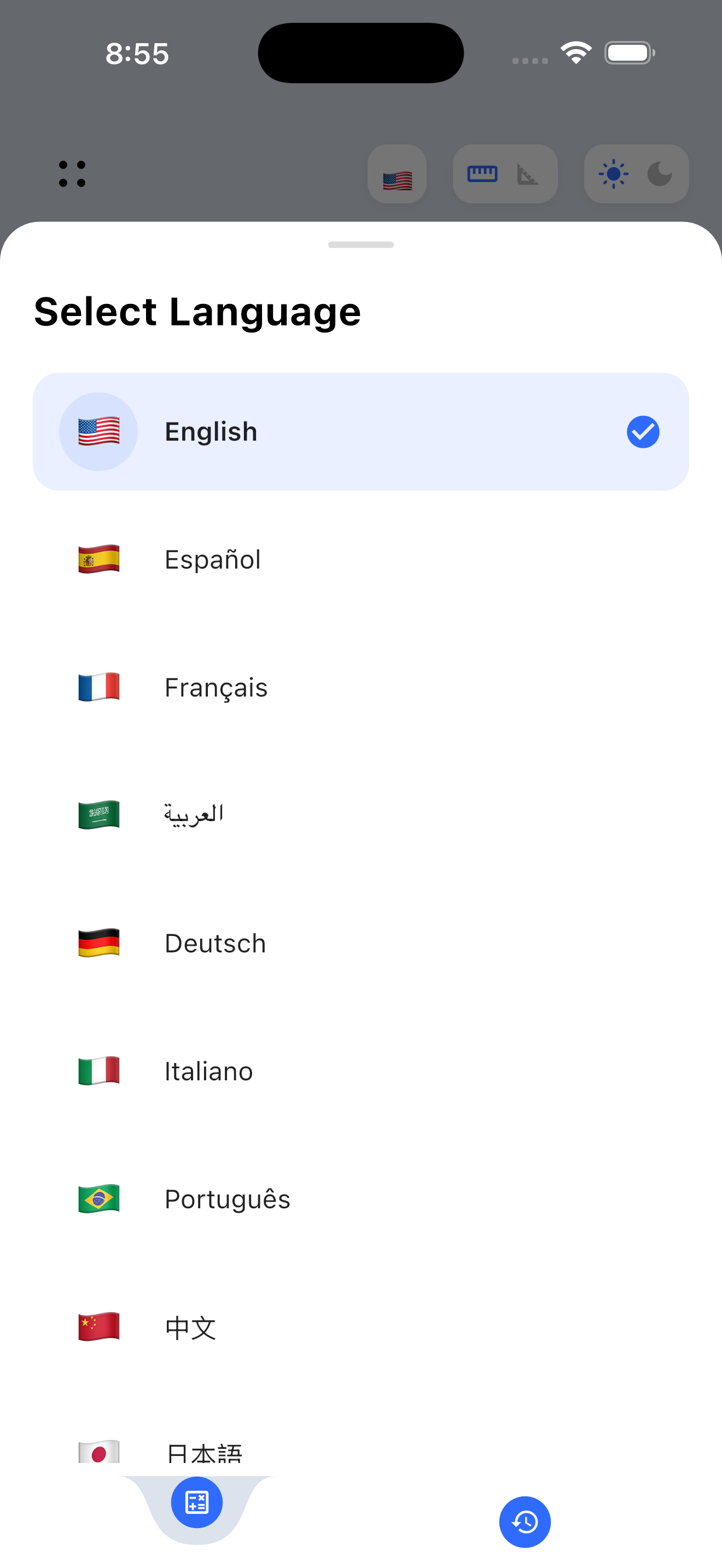
10 Languages
Dark Mode
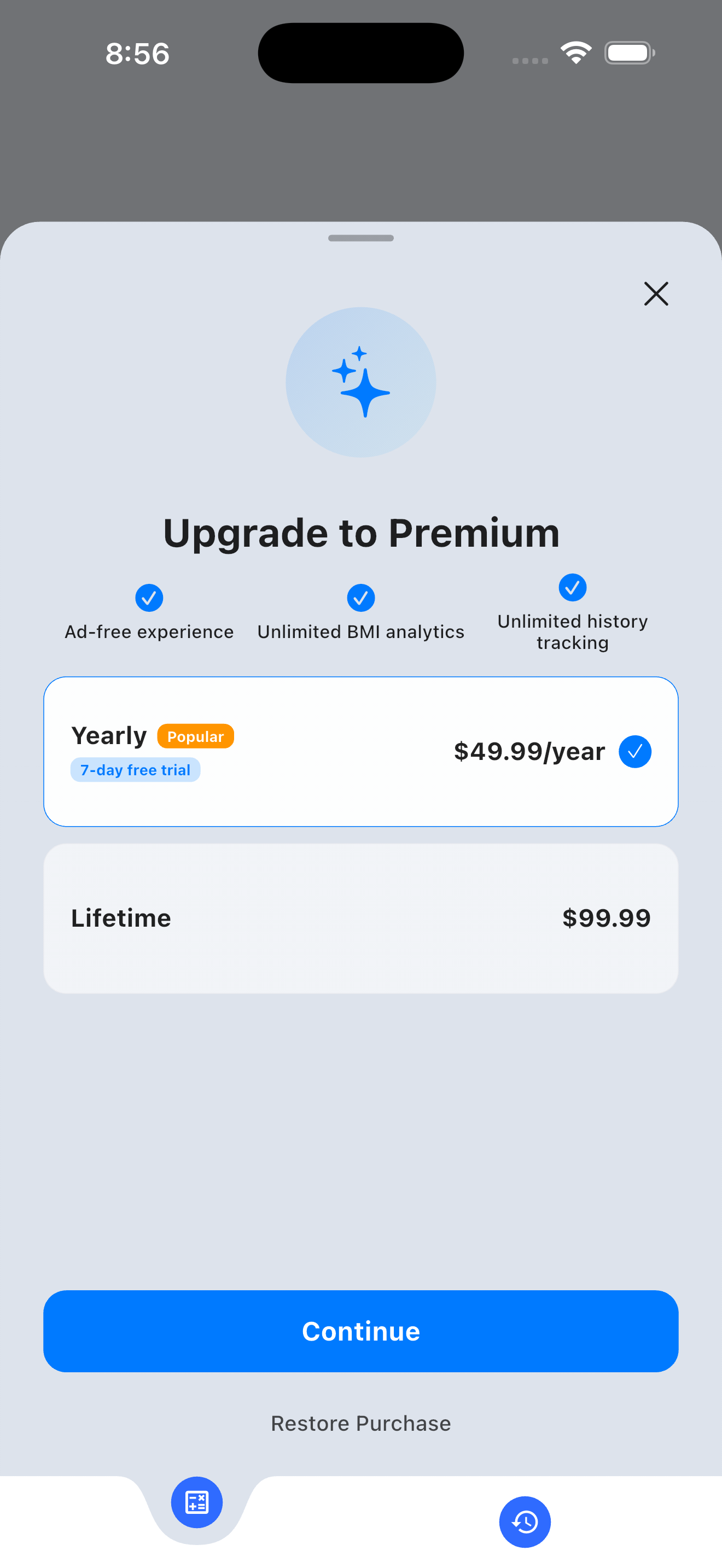
Premium

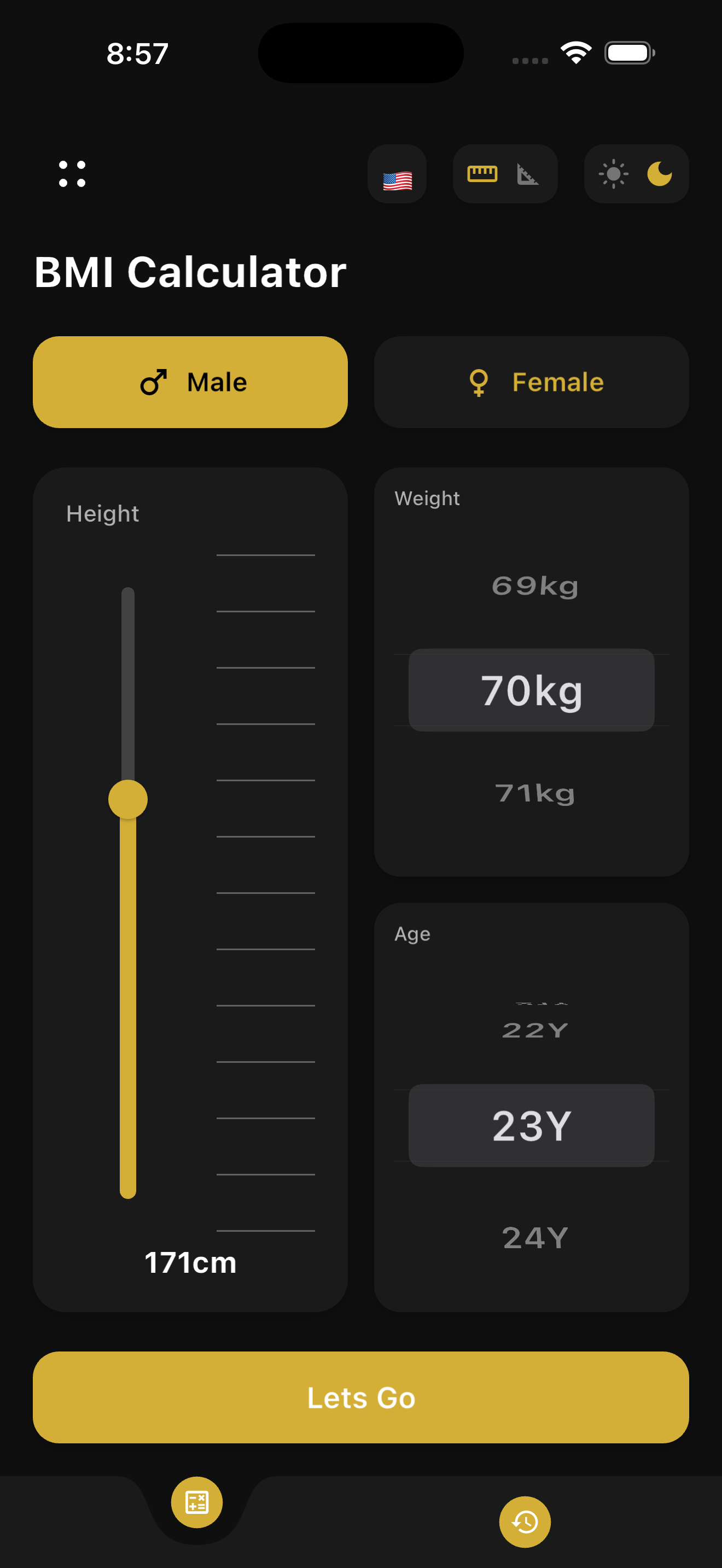
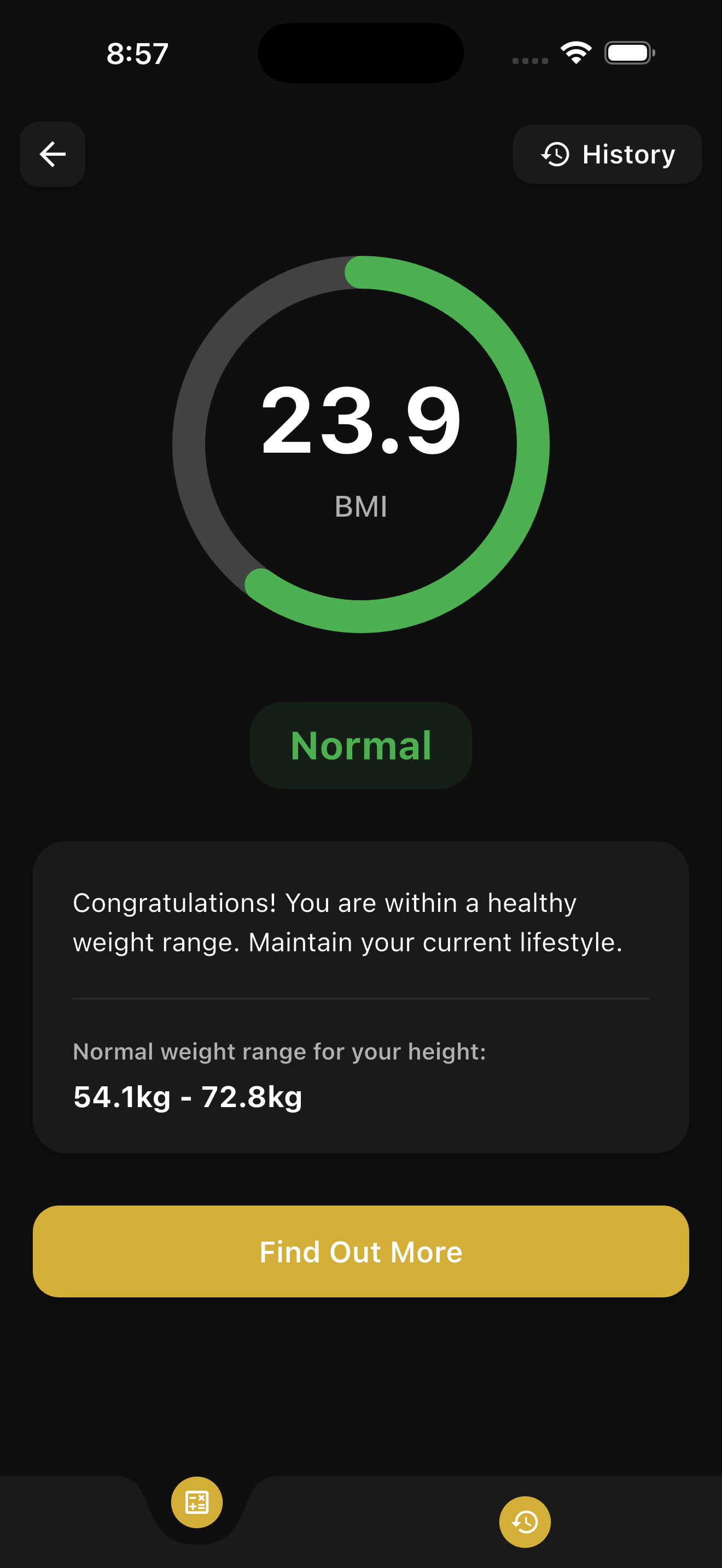
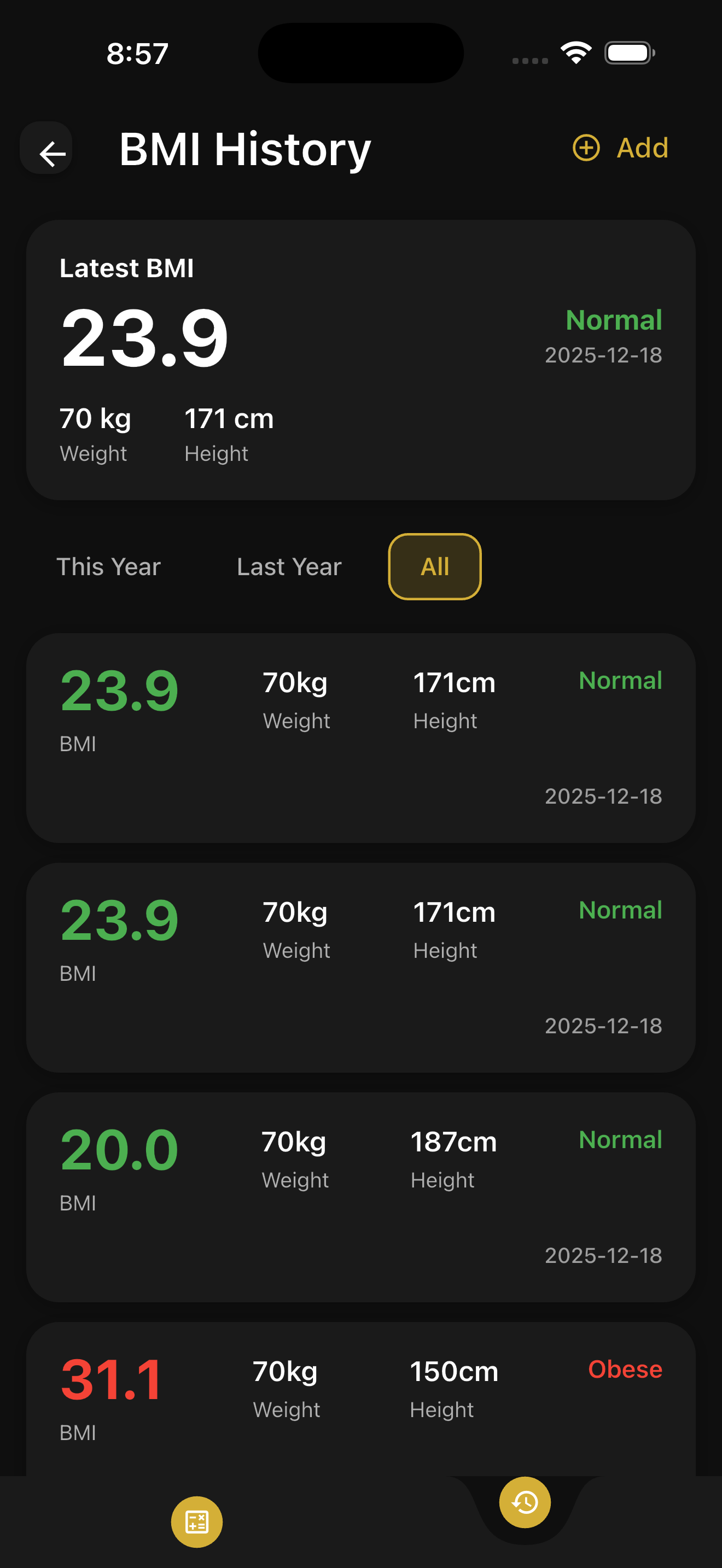
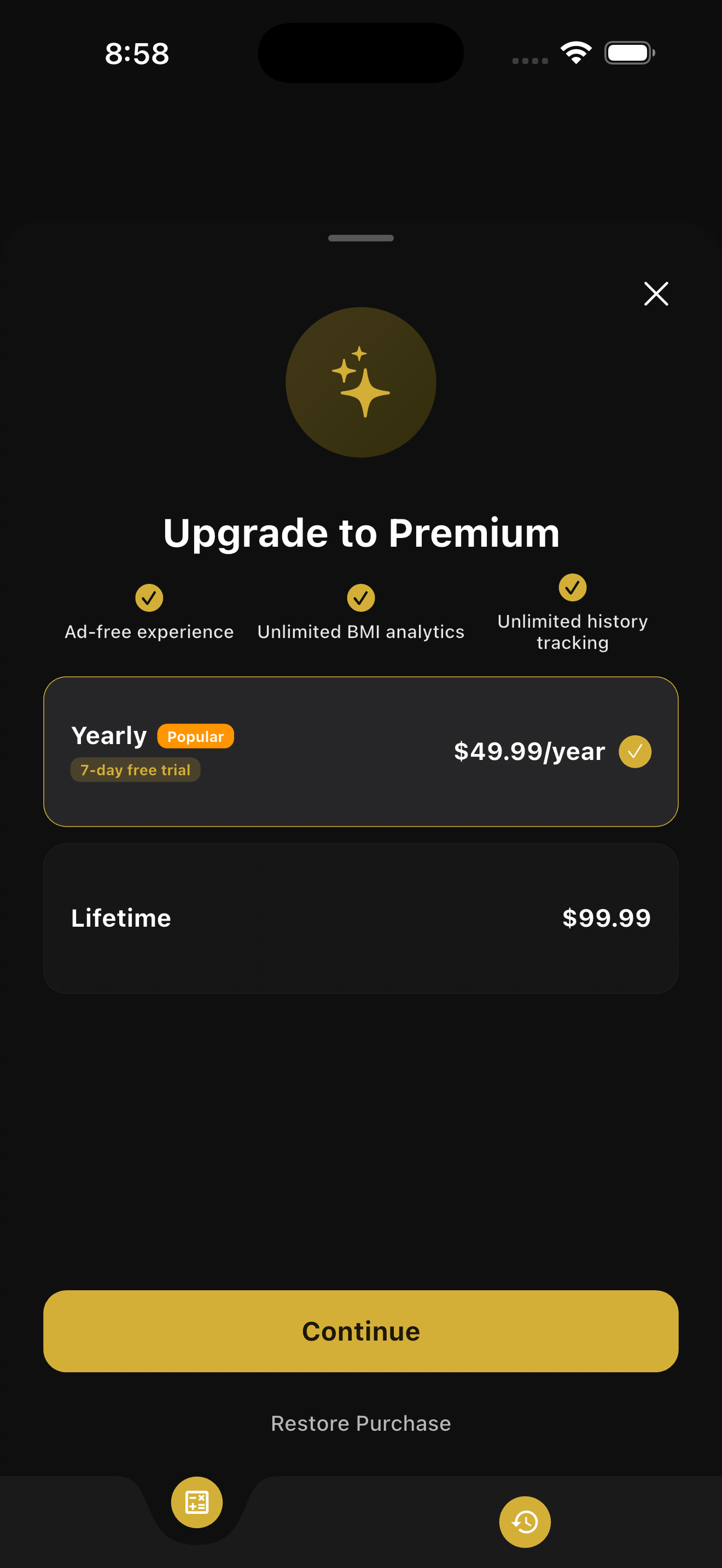
App Screenshots

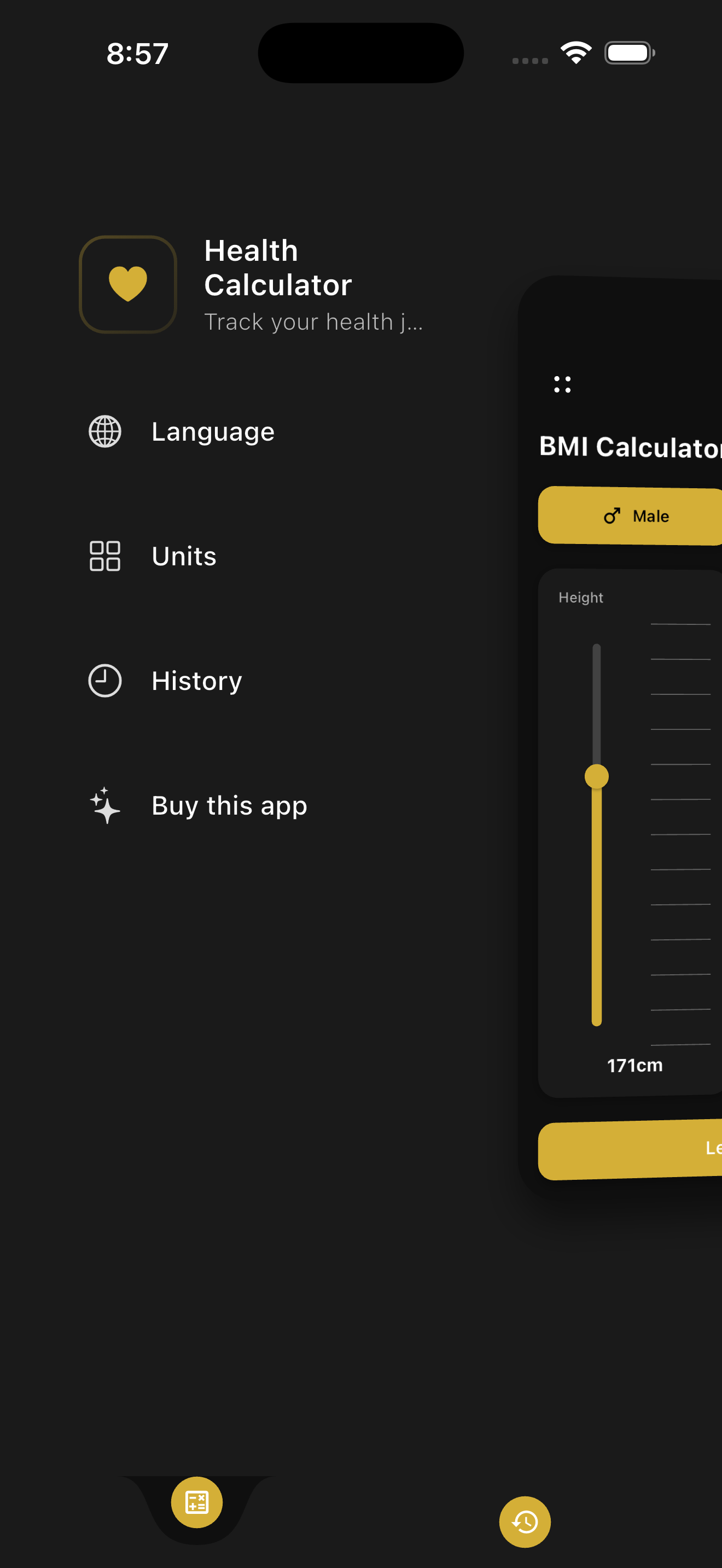
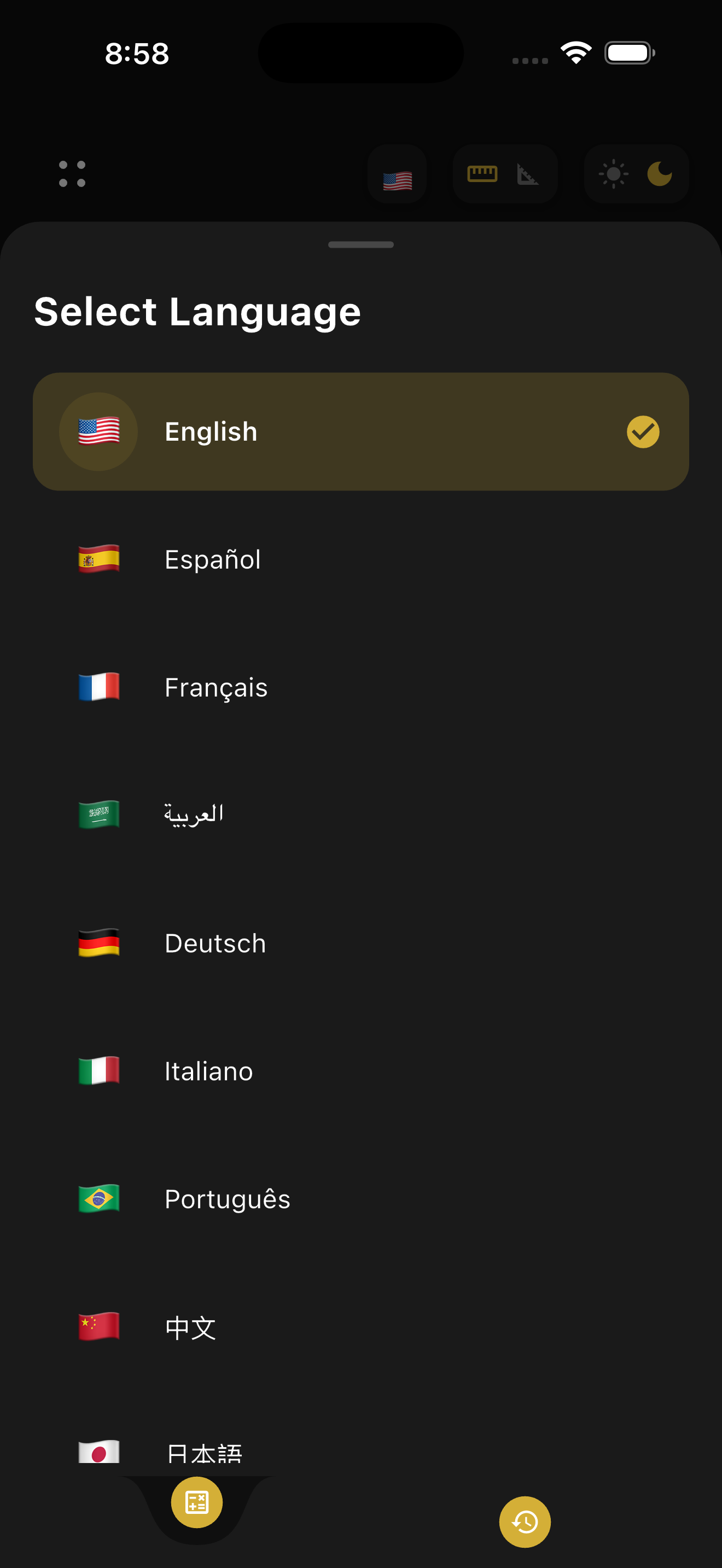
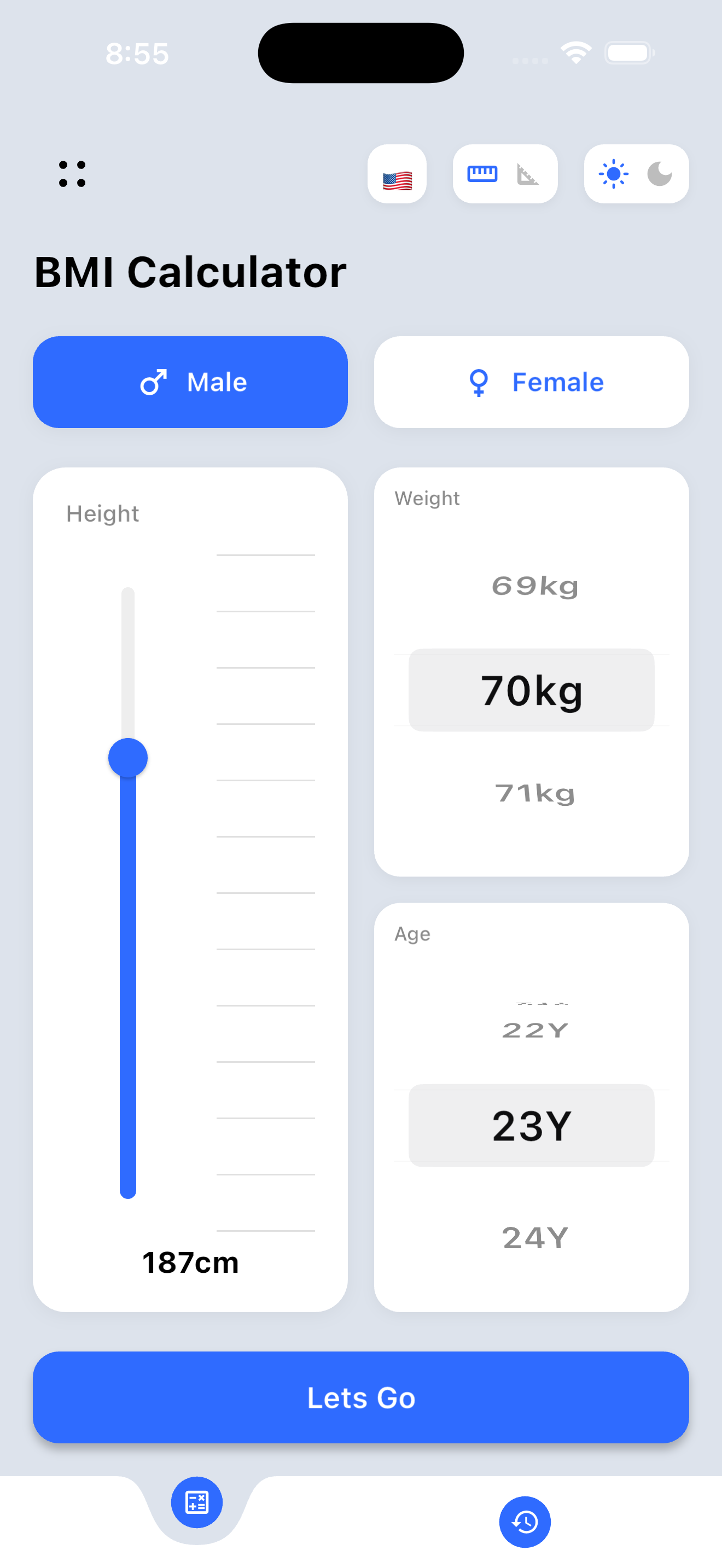
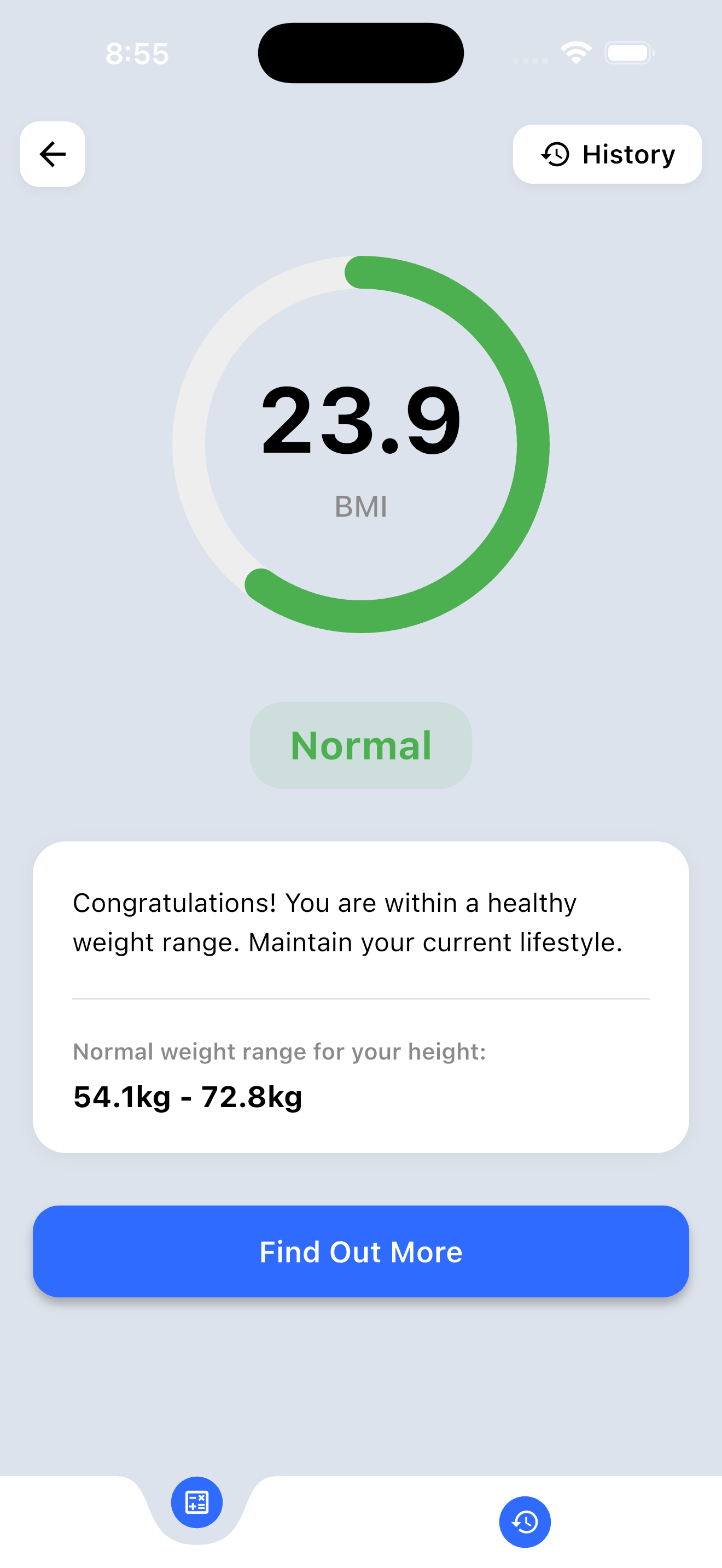
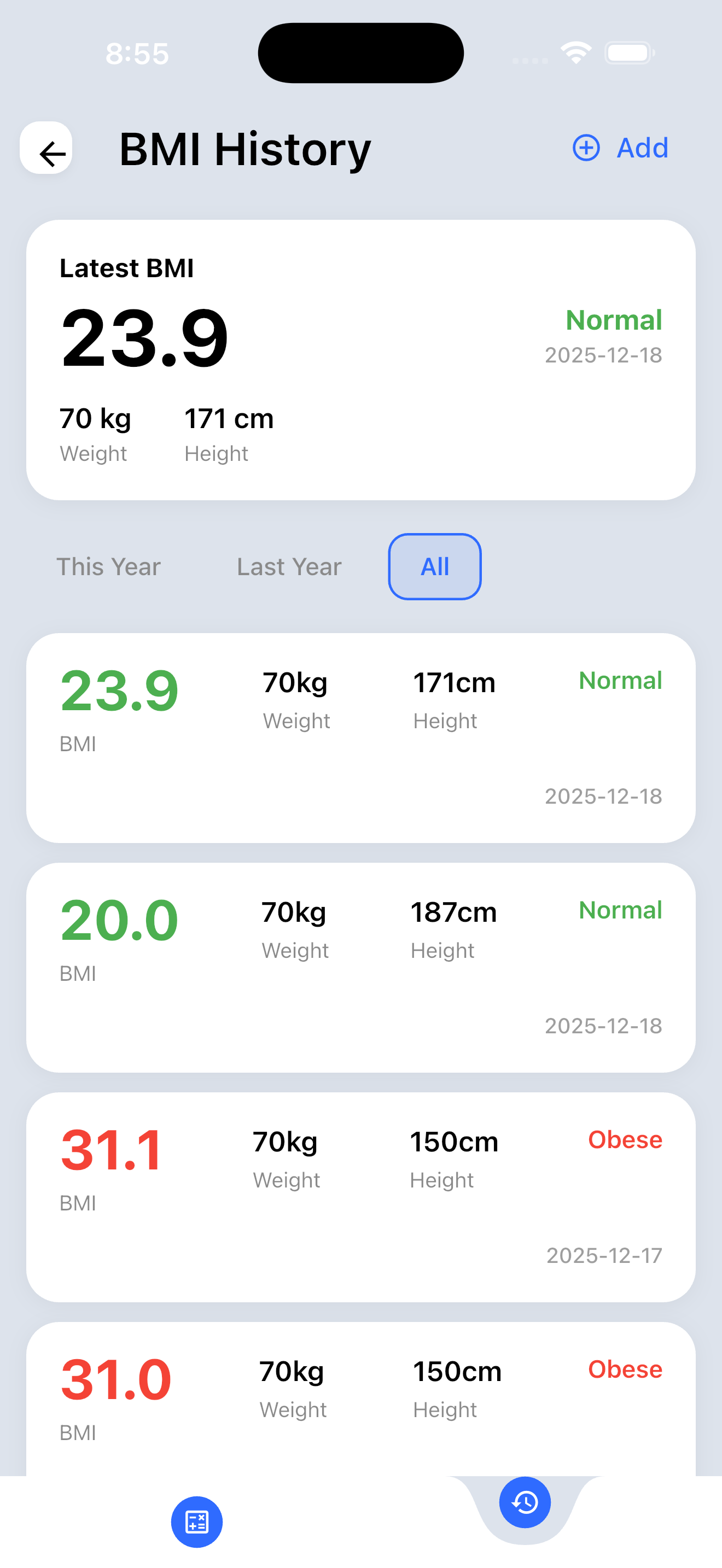
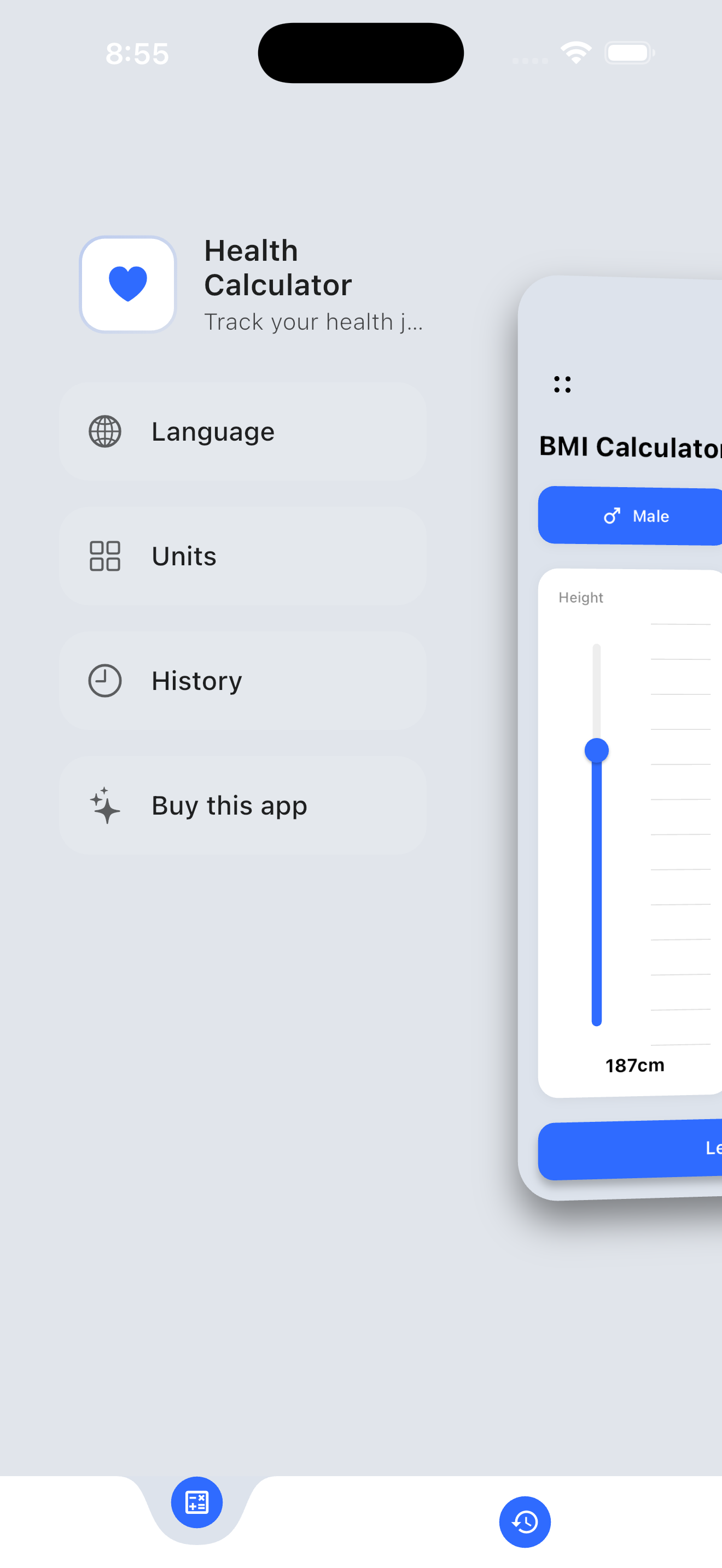
Beautiful, modern UI with Dark & Light themes

Dark Theme

Swipe to explore all screens

Light Theme

Swipe to explore all screens

Documentation

Everything you need to customize and deploy your app

Features

Everything included in BMI Calculator Pro

BMI Calculation

Accurate BMI calculation with category classification including underweight, normal, overweight, and obese categories.

Pediatric Support

Special BMI calculations for ages 0-18 with age and gender-specific percentile charts.

History Tracking

Save and view past BMI calculations with timestamps and full details stored locally.

Dark & Light Themes

Beautiful Apple-inspired themes with smooth transitions and golden accents in dark mode.

10 Languages

Multi-language support including English, Arabic, German, Spanish, French, and more.

In-App Purchases

Ready-to-use monetization with yearly subscription and lifetime purchase options.

Supported Languages

🇺🇸 English
🇸🇦 Arabic
🇩🇪 German
🇪🇸 Spanish
🇫🇷 French
🇮🇹 Italian
🇯🇵 Japanese
🇰🇷 Korean
🇵🇹 Portuguese
🇨🇳 Chinese

Requirements

System prerequisites to build and run the app

Use Exact Versions to Avoid Issues

Run flutter --version to check. Recommended: Flutter 3.19.0 - 3.24.x with Dart 3.3.0 - 3.5.x

Requirement Minimum Version Notes
Flutter SDK 3.19.0 - 3.24.x Tested & recommended version
Dart SDK 3.3.0 - 3.5.x Included with Flutter
iOS Target iOS 12.0+ iPhone & iPad supported
Android Target API 21+ Android 5.0 (Lollipop)
Xcode 15.0+ Required for iOS builds
Android Studio Hedgehog or newer Required for Android builds

Installation

Get up and running in minutes

First Time with Flutter?

Visit flutter.dev/get-started for the official installation guide.

1

Verify Flutter Installation

Open your terminal and check your version:

# Check Flutter & Dart version
flutter --version

# Expected output (example):
# Flutter 3.19.6 • Dart 3.3.4

# Run doctor to verify setup
flutter doctor

Ensure Flutter version is 3.19.0 - 3.24.x and all checkmarks are green (✓).

2

Extract the Project

Extract the downloaded ZIP file to your desired location.

3

Install Dependencies

Navigate to the project folder and run:

# Navigate to project
cd bmi_calculator

# Install dependencies
flutter pub get
4

Run the App

Start the app on your connected device or emulator:

# Run on default device
flutter run

# Run on specific platform
flutter run -d chrome      # Web
flutter run -d ios         # iOS Simulator
flutter run -d android     # Android Emulator

Success!

The app should now be running on your device or emulator.

Configuration

Change app name and package identifier

Change App Name

Android

Edit android/app/src/main/AndroidManifest.xml:

<application
    android:label="Your App Name"
    ...>

iOS

Edit ios/Runner/Info.plist:

<key>CFBundleDisplayName</key>
<string>Your App Name</string>

Change Package ID / Bundle Identifier

Android

Edit android/app/build.gradle.kts:

android {
    namespace = "com.yourcompany.appname"
    defaultConfig {
        applicationId = "com.yourcompany.appname"
    }
}

iOS

  1. Open ios/Runner.xcworkspace in Xcode
  2. Select Runner in the Project Navigator
  3. Under "Signing & Capabilities", change the Bundle Identifier

Important

After changing the package ID, run flutter clean and rebuild the project.

Customization

Make the app your own

Change App Icon

Android Icons

Replace the following files with your icons:

File Path Size
android/app/src/main/res/mipmap-mdpi/ic_launcher.png48×48
android/app/src/main/res/mipmap-hdpi/ic_launcher.png72×72
android/app/src/main/res/mipmap-xhdpi/ic_launcher.png96×96
android/app/src/main/res/mipmap-xxhdpi/ic_launcher.png144×144
android/app/src/main/res/mipmap-xxxhdpi/ic_launcher.png192×192

iOS Icons

Replace icons in ios/Runner/Assets.xcassets/AppIcon.appiconset/

Customize Colors

Edit lib/theme/app_theme.dart to change the app's color scheme:

// Dark Theme Colors
static const Color golden = Color(0xFFD4AF37);
static const Color darkScreen = Color(0xFF1C1C1E);

// Light Theme Colors
static const Color lightPrimaryBlue = Color(0xFF007AFF);
static const Color lightScreen = Color(0xFFF2F2F7);

Customize Fonts

Edit lib/theme/app_fonts.dart to customize typography and font styles.

In-App Purchases Setup

Configure monetization for iOS and Android

Note

In-App Purchases require real App Store / Play Store accounts and won't work in debug mode without additional configuration.

iOS Setup (App Store Connect)

  1. Log in to App Store Connect
  2. Create your app if not already created
  3. Go to Features → In-App Purchases
  4. Create two products:
    • Yearly Subscription: Auto-Renewable Subscription
    • Lifetime Purchase: Non-Consumable
  5. Note down the Product IDs
  6. Update lib/services/premium_purchase_service.dart:
class ProductIds {
  static const String yearly = 'your_yearly_product_id';
  static const String lifetime = 'your_lifetime_product_id';
}

Android Setup (Google Play Console)

  1. Log in to Google Play Console
  2. Select your app
  3. Go to Monetize → Products → In-app products
  4. Create two products with the same IDs used for iOS
  5. Upload your app to Internal Testing track first
  6. Add your test account as a License Tester

Building for Release

Create production-ready builds

Android Release Build

# Build APK
flutter build apk --release

# Build App Bundle (recommended for Play Store)
flutter build appbundle --release

Output: build/app/outputs/

iOS Release Build

flutter build ios --release

Then open Xcode and archive for App Store submission.

Web Build

flutter build web --release

Output: build/web/

Before Release

Update version in pubspec.yaml, test thoroughly on real devices, and configure signing keys.

Project Structure

Understanding the codebase organization

lib/ ├── main.dart # App entry point ├── screens/ # All app screens │ ├── input_screen.dart # BMI input form │ ├── result_screen.dart # BMI results display │ ├── history_screen.dart # BMI history list │ ├── premium_purchase_screen.dart │ └── splash_screen.dart ├── services/ # Business logic │ ├── bmi_service.dart # BMI calculations │ └── premium_purchase_service.dart ├── models/ # Data models ├── widgets/ # Reusable UI components ├── theme/ # App theming ├── localization/ # Multi-language support └── utils/ # Utilities & constants

Adding New Languages

Extend multi-language support

1

Create Translation File

Copy lib/localization/app_strings_en.dart and rename to your language code.

2

Translate All Strings

Translate all string values while keeping property names unchanged.

3

Register the Language

Edit lib/models/app_language.dart and add your language to the list.

4

Update App Strings Factory

Edit lib/localization/app_strings.dart to include your new language.

Support

We're here to help

Email Support

Contact us at getcityoos@gmail.com for any questions or issues.

Response Time

We typically respond within 24-48 hours on business days.

Before Contacting Support

  1. Read this documentation thoroughly
  2. Check Flutter installation with flutter doctor
  3. Make sure you're using Flutter 3.0 or higher
  4. Try running flutter clean && flutter pub get

When Contacting Support

Please include:

  • Your purchase code from CodeCanyon
  • Flutter version (flutter --version)
  • Error messages or screenshots
  • Steps to reproduce the issue

Changelog

Version history and updates

Version 1.0.0 Current

Initial Release

  • BMI calculation with category classification
  • Pediatric BMI support (ages 0-18)
  • History tracking with local storage
  • Light/Dark theme support
  • 10 language translations
  • In-app purchase integration
  • Metric/Imperial unit switching
  • iOS, Android, and Web support